
firstly To install IPTV subscription kodi addons and watch our great channel playlist and Vods directly , it’s very simple, In this paragraph i we’ll show you how to do it in 2minutes!
To get started, order your m3u file link here. If you hesitate and would like to take a 24h test to try our service go through here
You have in your hands your m3u link, perfect! We’re starting our tutorial!
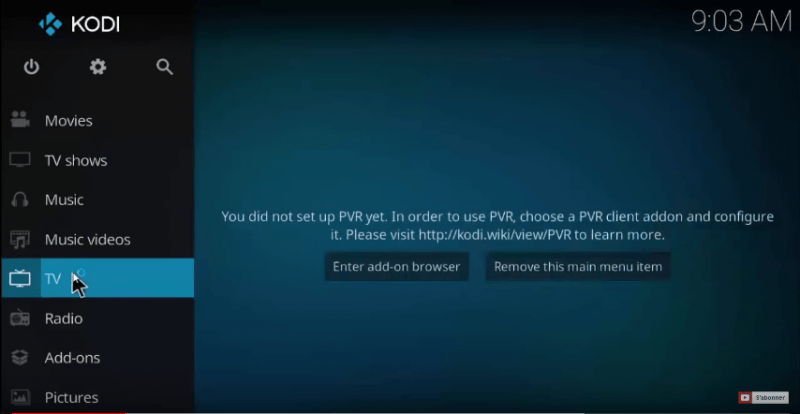
Launch your kodi addons and click on TV as shown in the photo below:
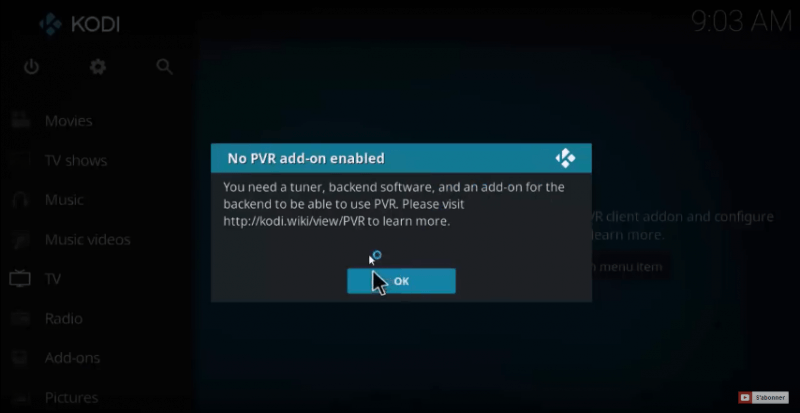
A message appears, asking you to install the ADDON PVR IPTV simple client, click OK:
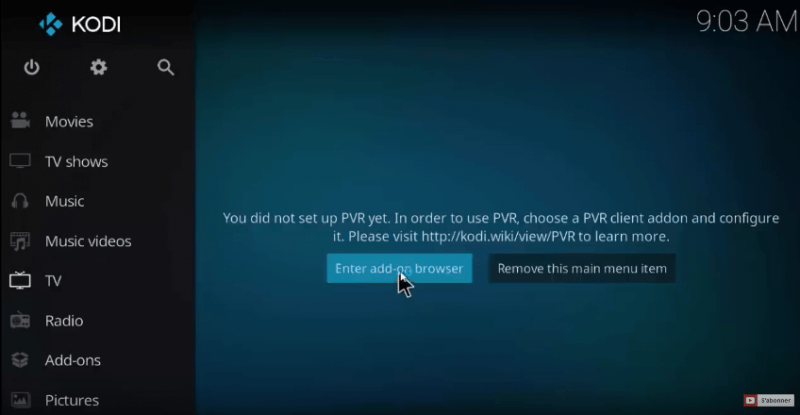
After, click on the button “ENTER AD-DON BROWSER” to display the list of addons:
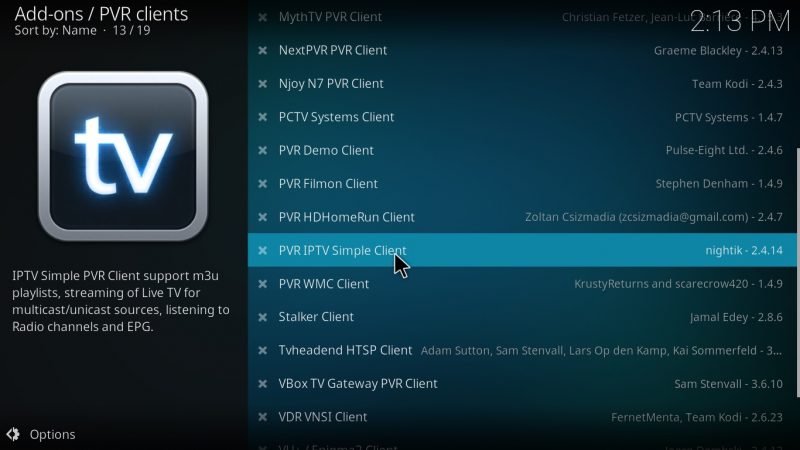
A list of addons appears on your screen, scroll down a bit and look for ‘ PVR IPTV simple client ‘ and click on it:
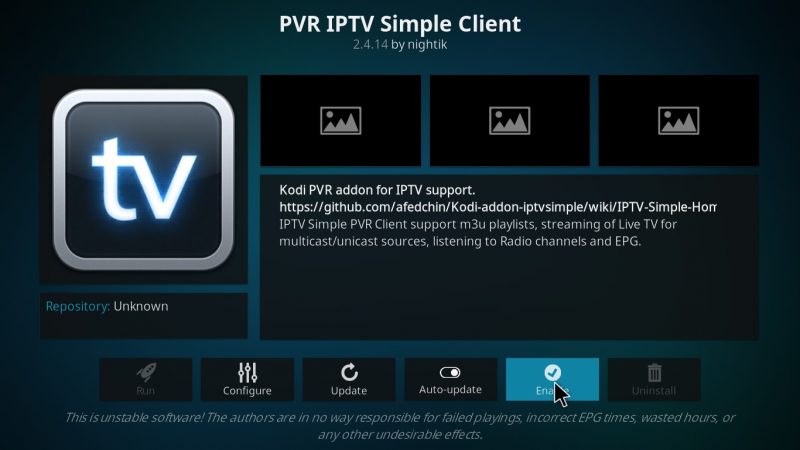
The kodi addons page appears on your screen, click ENABLE to activate the addon:
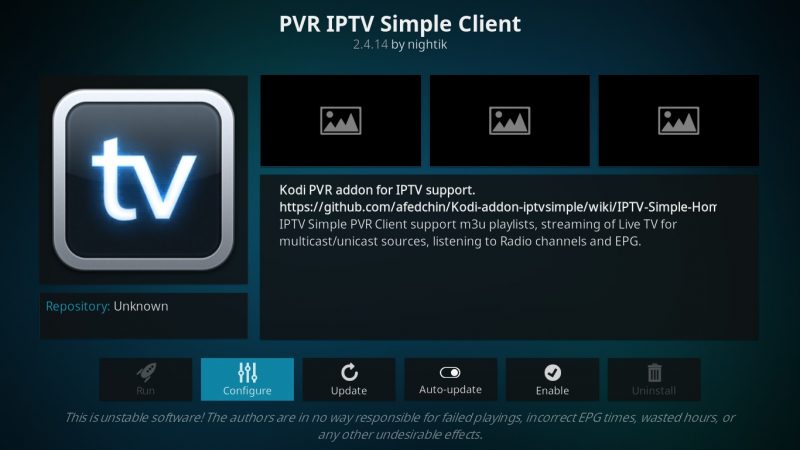
Once our kodi addons is activated, click on configure:
On the settings page, one chooses on the part LOCATION = remote path (Internet address) this option will allow us to put the link of our file M3U (it is recommended to choose remote path and not local path to receive the updates of the playlist automatically):
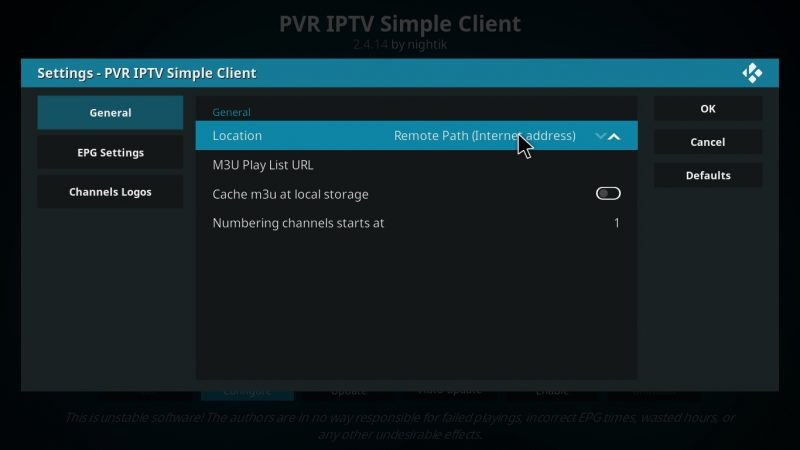
After, click on “m3u play list URL” to put the link of our file m3u:
Paste or enter your m3u link:
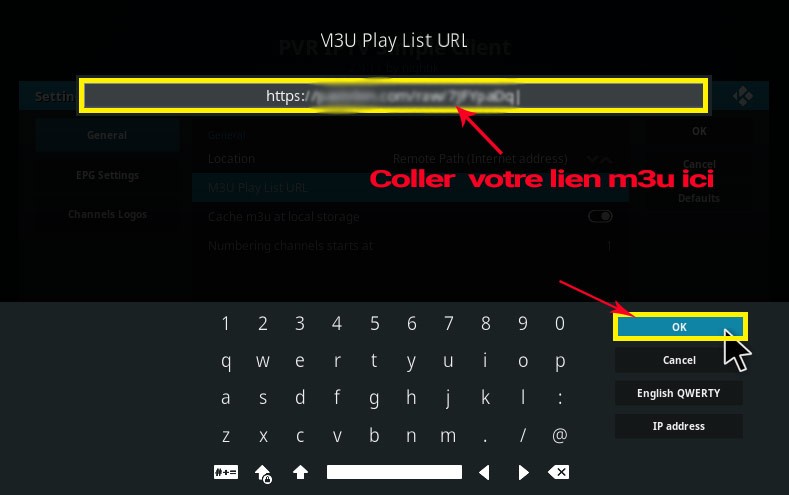
After you just restart kodi addons and launch PVR to take advantage of your iptv subscription.
Note that this method will not allow to have the EPG and logos of the channels, for this have this feature it is necessary to have an XML TV link or to install the addon Xtream-codes IPTV more info here